Physical Address
304 North Cardinal St.
Dorchester Center, MA 02124
Physical Address
304 North Cardinal St.
Dorchester Center, MA 02124

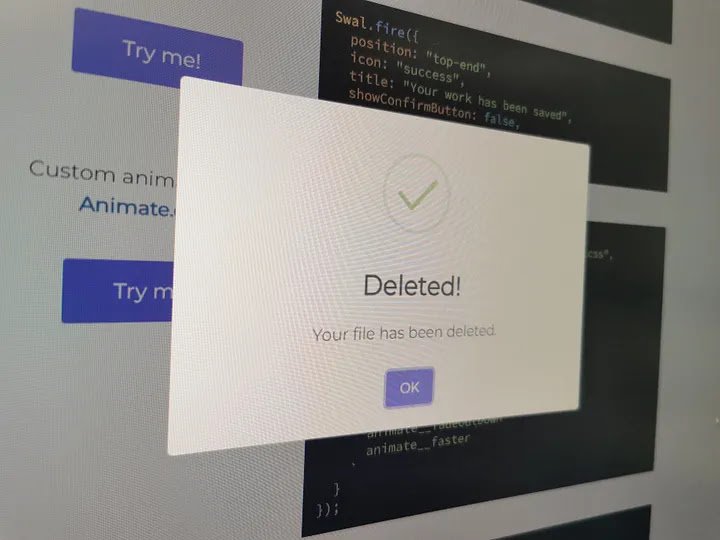
Hello dev, today we are going to learn how to integrate Sweet Alert in Ionic Apps. In web development, providing notifications to users is crucial for enhancing the user experience and keeping them informed about important updates or actions.
The process is quite simple, just run install from the console using a package manager, in this case npm.
npm install sweetalert2We need call the Sweet Alert library on the pages where we want to use it. To do this, we just need to import it as usual.
import Swal from 'sweetalert2'In the official documentation, we can find all the examples of implementation. Let’s try one to analyze what happens:
Swal.fire({
  title: 'Error!',
  text: 'Do you want to continue',
  icon: 'error',
  confirmButtonText: 'Cool'
});
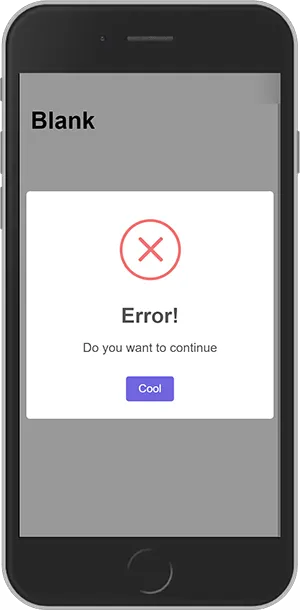
It’s a complete disaster, isn’t it? The good thing is that it’s easily fixed, we just need to add this line of code every time we invoke the library.
heightAuto: falseOur code would look like this:
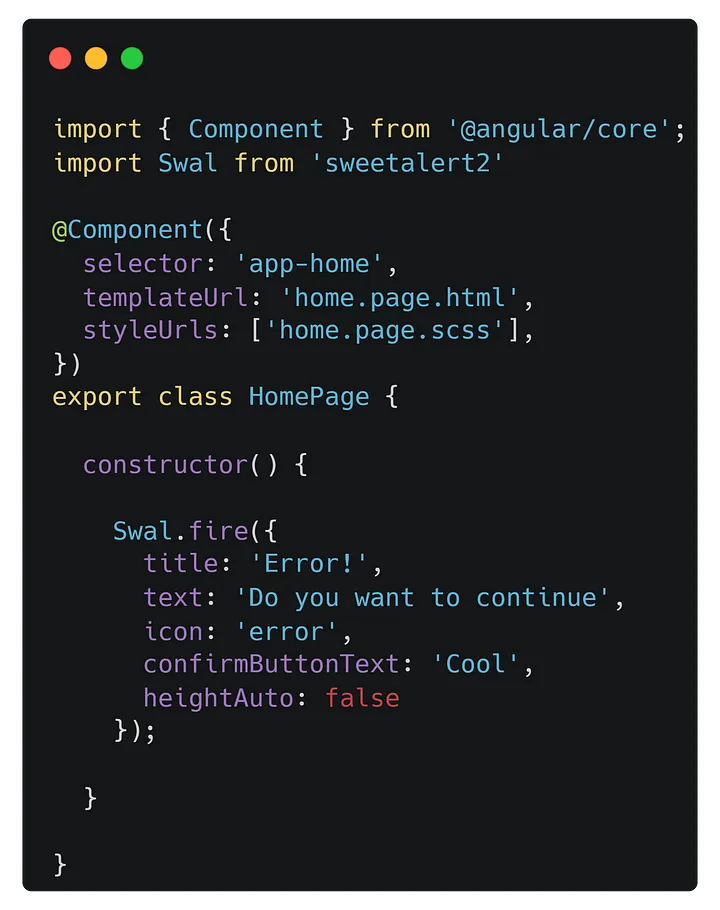
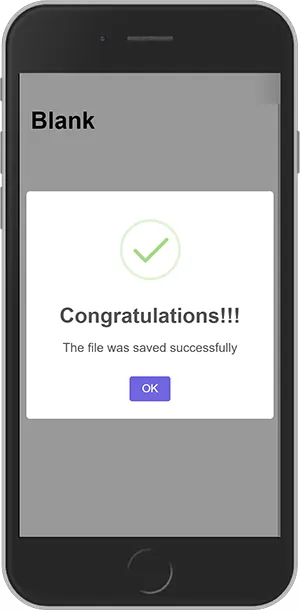
The result would be like this:
Let’s modify the code a bit. You can find all the information regarding it in its official documentation.
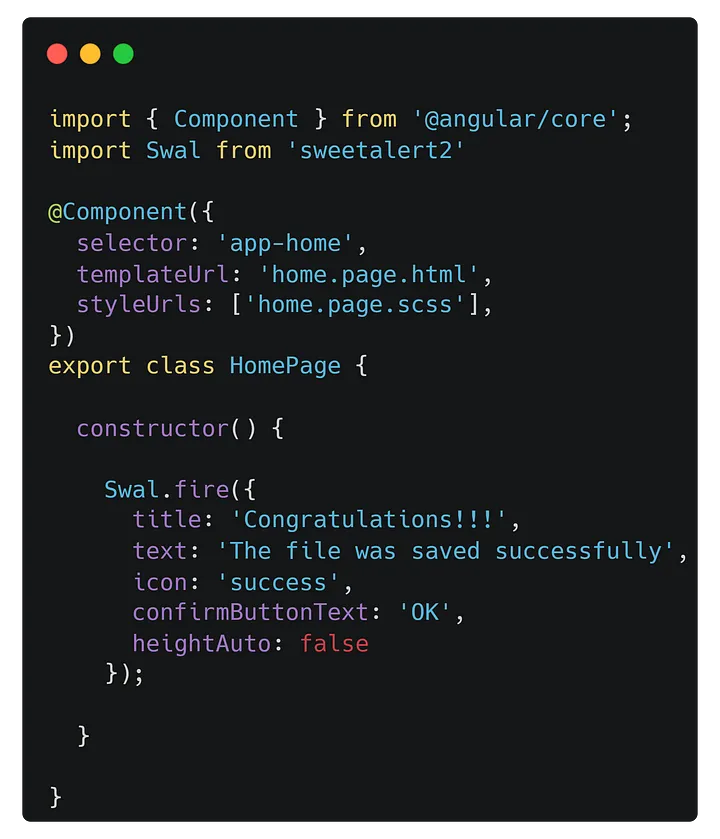
And we will have this:
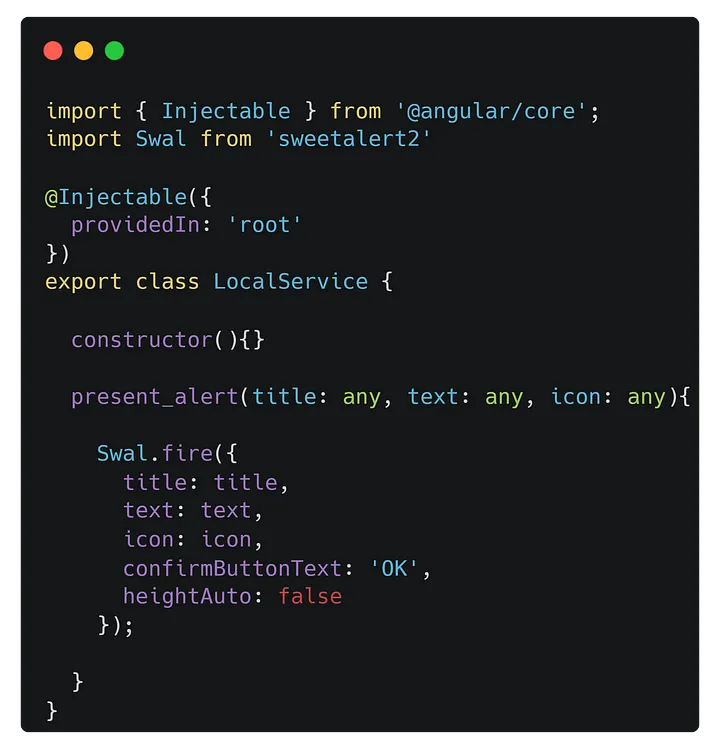
Generally, we need to display alerts in different parts or stages of our application, in this case, or pages. So, it becomes tedious to implement the same thing as many times as necessary. To avoid that, I create a new service and inside it, I create some generic functions to which I can pass parameters. Something like this:
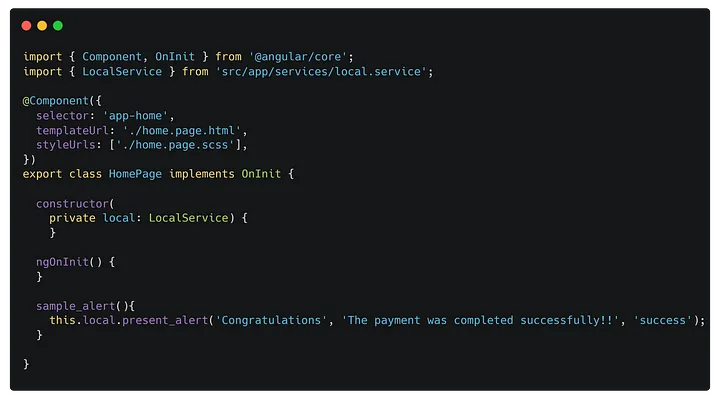
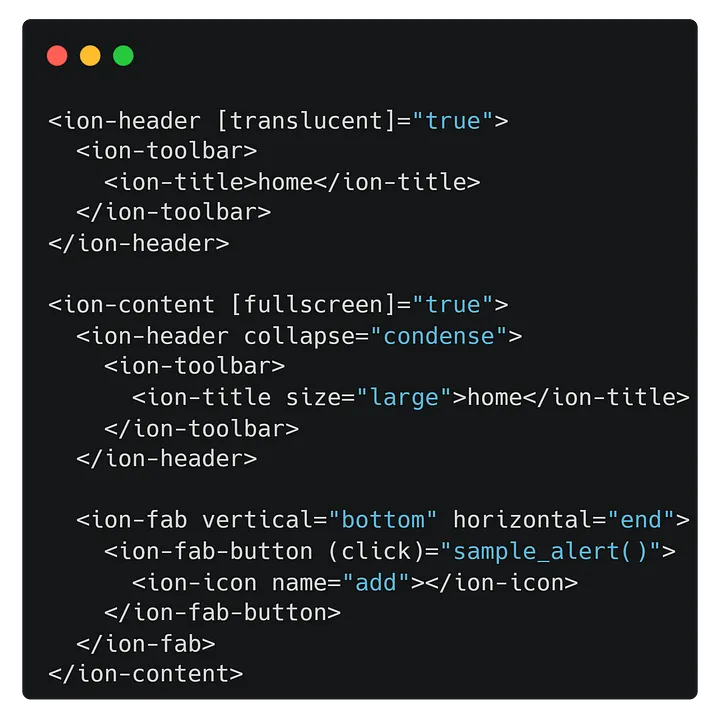
We just have to invoke the service on the page we want, call the function, and pass it parameters, in this case, title, text, and icon.
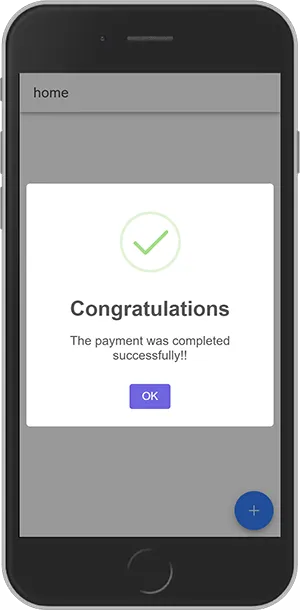
And that’s all, friends. The sky is the limit. Consult the official documentation to learn more, for example, execute functions when buttons are pressed or when an alert automatically closes after a few seconds.